Dental Practice Marketing: The Patient Was on Your Site. Did You Know?
Dental Practice Marketing: The Patient Was on Your Site. Did You Know?
You already paid for the leads. Every click from Google Ads or SEO costs you time or money, and most of those people never call. This article shows how to turn more of those anonymous visitors into real new patient appointments using visitor identification.
We will walk through what you are already spending, where the leaks are, and how LeadSpyder helps dental practices see who was on their site so the team can follow up the same day. The goal is simple: more new patients from the traffic you already have, without raising your ad budget.
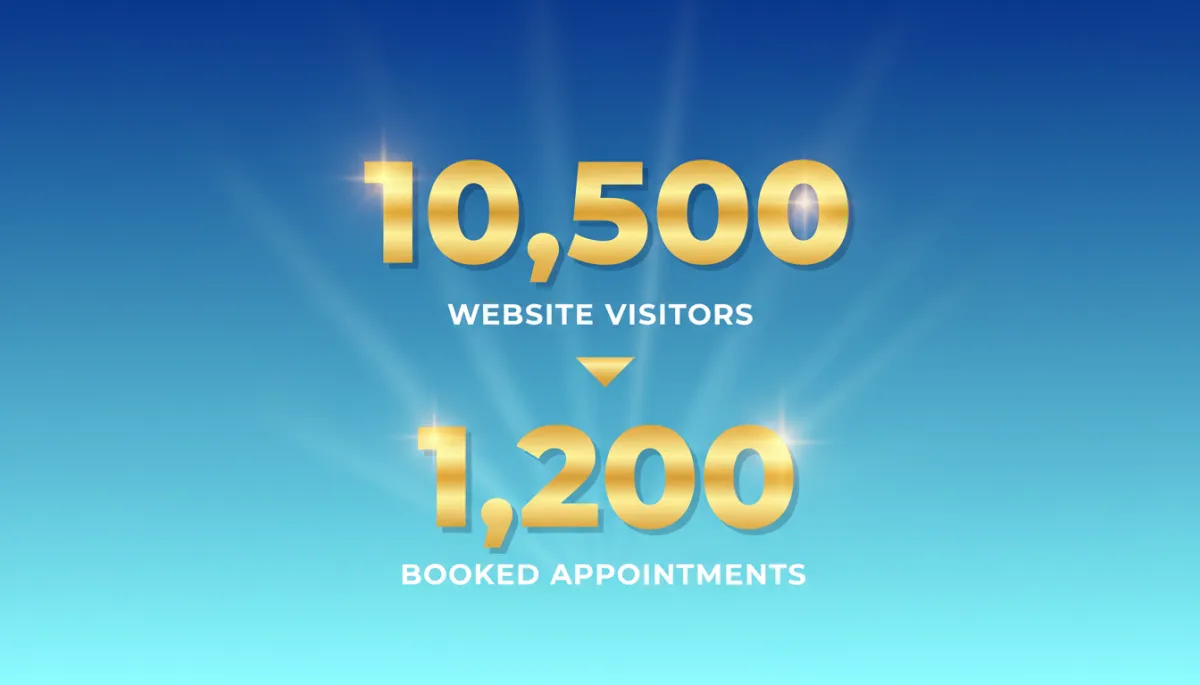
Visual concept: “1,000 Monthly Visitors. Only 20 Book an Appointment. 980 Researched You and Left.” Three stacked lines on a LeadSpyder blue (#1d79c7) background, gold number accents, white supporting text, and no charts.
What Dental Practice Marketing Costs and Where the Leaks Are
If you run Google Ads or invest in SEO, you already know new patient marketing is not cheap. For many dental practices, Google Ads cost per lead typically runs somewhere in the $50 to $150 per lead range, depending on your market and specialty. Even if you are on the low end, the numbers add up quickly.
On the revenue side, a typical new dental patient is worth roughly $500 to $1,500 per year in production when they stay with your practice. Over several years, that relationship can be one of your most valuable assets. Losing even a few of those opportunities every month is expensive.
- You pay for every click from Google Ads or every visit earned through SEO.
- Only a small percentage of visitors fill out a form or call on the first visit.
- Your team is busy, and not every inquiry gets a fast response.
Now imagine your site gets 1,000 visitors this month. If 2% of them become new patient appointments, that is only 20 people. The other 980 looked at your practice, checked your reviews, maybe even scanned your new patient offer, and then left without scheduling.
With visitor identification, you can see a portion of those lost visitors and reach back out. At a conservative 20% to 40% match rate, that same 1,000-visitor month can turn into 200 to 400 named contacts your team can follow up with, instead of just the 20 who booked on their own.
A new patient worth $500 to $1,500 per year is not worth losing because your front desk was tied up when they called. Visitor identification gives you a second chance with the majority of prospective patients who visited your site but did not schedule.
The Patient Research Journey Is Shorter Than You Think
Most people choosing a new dentist do not spend weeks researching. They search on Google, click a few practices, and make a decision quickly. They check reviews, look for accepted insurance, glance at your new patient offer, and decide whether to call, often in under 20 minutes.
Many do this on a mobile phone during a lunch break, in the car between errands, or on the couch at night. They are not reading every word on your site. They are skimming for trust signals and basic fit: “Do they take my insurance?” “Do they look reputable?” “Is there an offer for new patients?”
That speed can work in your favor when you have LeadSpyder running. Suppose a prospective patient:
- Visits your New Patient page.
- Checks your insurance acceptance list.
- Spends four minutes reading your reviews.
That is a high-intent visitor. With SpyderAlert, your team sees that activity within seconds. Instead of hoping they remember to call you later, your front desk can reach out the same day with a helpful, low-pressure call.
It can sound as natural as: “Hi, this is Sarah from Westside Dental. I wanted to reach out because I saw you were looking at our new patient information and insurance details. Do you have any questions I can answer for you?”
That kind of timely, relevant call converts far better than a generic email sent hours or days later. The patient was already going to choose someone. Visitor identification simply helps make sure they choose you.
Cosmetic Dentistry Visitors: Your Highest-Value New Patients
General dentistry patients create steady, long-term value for your practice. Cosmetic dentistry patients, however, often bring in significantly higher revenue in a shorter window. Someone researching veneers, Invisalign, or whitening is not just thinking about a cleaning; they are planning a transformation.
These visitors tend to have a higher first-procedure value and a longer research cycle. They compare treatment options, check before-and-after photos, read about financing, and visit multiple practice websites before they decide. That means more site visits and more pages viewed on your site.
With LeadSpyder, that behavior shows up clearly. A cosmetic visitor might:
- Visit your Invisalign page twice in one week.
- Click into your before-and-after gallery.
- Spend time on your financing or pricing page.
By the time they are ready to decide, their activity has built a strong intent signal. Your team can reach out with a call or text tailored to what they were actually researching: “Hi, I saw you were looking at our Invisalign information. Are you considering clear aligners for yourself or a family member?”
That specific, relevant outreach feels helpful rather than salesy. It also clearly differentiates your practice from the other tabs they have open in their browser.
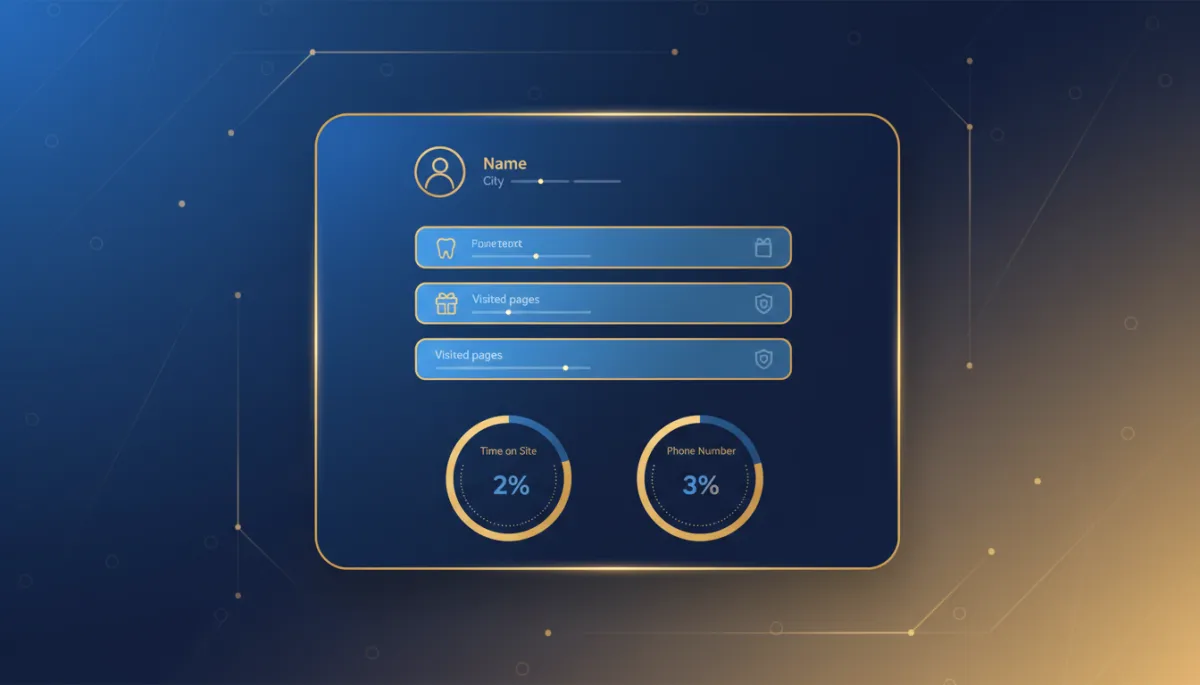
Visual concept: A simple contact card in LeadSpyder blue and gold showing a patient name, city, “Invisalign page, New patient offer, Insurance page,” time on site, and phone number, styled like a clean CRM tile.
How Visitor Identification Works for Dental Practices
LeadSpyder adds a small JavaScript pixel to your dental website. When someone visits key pages like your new patient info, insurance list, or cosmetic services, that visit is matched against a large, privacy-compliant identity graph of U.S. consumers.
When there is a match, LeadSpyder returns a contact record to your team with:
- Name and city.
- Phone number and email when available.
- Pages viewed and time on site.
- A simple intent score based on their behavior.
Instead of staring at anonymous traffic numbers in Google Analytics, your office manager sees specific people who showed interest in your practice today. From there, your team can call, text, or email with a friendly, helpful outreach message.
LeadSpyder does not replace your existing marketing. It makes your current Google Ads and SEO spend work harder by recovering a portion of the visitors who would otherwise disappear.
HIPAA Compliance in Dental Practice Visitor Identification
As a dental practice, you are a HIPAA-covered entity, so it is natural to ask how visitor identification fits with compliance. The key point is timing. Identification happens before any patient relationship exists.
At the moment of identification, the visitor:
- Has not received treatment from your practice.
- Has not shared medical or dental history with you.
- Has not been accepted as a patient.
Because of that, no protected health information is being created or handled. HIPAA governs protected health information within established patient relationships. Marketing outreach to prospective patients is permitted under HIPAA’s marketing provisions, as long as you follow standard disclosure and opt-out practices.
LeadSpyder is built with this boundary in mind. It is a marketing tool for pre-patient prospecting, not a clinical system. Once someone becomes a patient, your normal HIPAA-compliant workflows apply as usual.
Frequently Asked Questions
What is dental practice marketing lead generation?
Dental practice marketing lead generation is the process of attracting new patients through online channels and turning website visitors into scheduled appointments. You might use Google Ads, SEO, social media, or referrals to drive people to your site.
Visitor identification adds a missing layer. Instead of only converting the small percentage of visitors who call or book online, LeadSpyder helps you identify a portion of the 95%+ who leave without scheduling, so your team can follow up the same day.
How does visitor identification work for dental practices?
A JavaScript pixel on your website connects anonymous visitor sessions to a large identity graph of U.S. consumers. When there is a match, LeadSpyder creates a contact record with their name, phone number when available, and the pages they viewed.
When a prospective patient visits your new patient page, insurance page, or cosmetic dentistry section, that visit can trigger a SpyderAlert to your team. Your front desk sees that someone in your area just spent time on those pages and can reach out while the practice is still top of mind.
Is HIPAA an issue for dental website visitor identification?
Not for pre-patient prospecting. Identification occurs before any patient relationship exists, before treatment, and before sharing of health information. At this stage, you are engaging in permitted marketing outreach to prospective patients, not handling protected health information.
LeadSpyder is designed to respect this line. Once someone becomes an active patient and begins sharing clinical information, your existing HIPAA-compliant systems and processes remain the place where that information lives.
Which dental pages drive the highest-intent visitor identification?
Some pages on your site are stronger buying signals than others. LeadSpyder tends to see the highest-intent activity on:
- New patient pages and online scheduling pages.
- Insurance acceptance lists and financing information.
- Cosmetic dentistry pages such as Invisalign, veneers, and whitening.
- Before-and-after galleries for cosmetic work.
Return visitors who come back to pricing or financing pages are especially valuable. When those visits trigger a SpyderAlert, your team can prioritize them for same-day outreach and increase the chances of booking.
Your traffic already has names on it. You just cannot see them yet.
[Start Free 7-Day Hunt] — https://leadspyder.ai/start
No contract. 30-day money-back. Live in under 10 minutes.