Every Facebook Ad Click That Doesn't Convert Is a Named Lead You Lost
Facebook Ads, Lead Generation, Visitor Identification
Every Facebook Ad Click That Doesn't Convert Is a Named Lead You Lost
You already paid for the leads. The real question is whether you ever actually meet them — or whether they vanish into the Facebook Ads dashboard as “clicks” and “impressions” while your sales team never sees a single name.
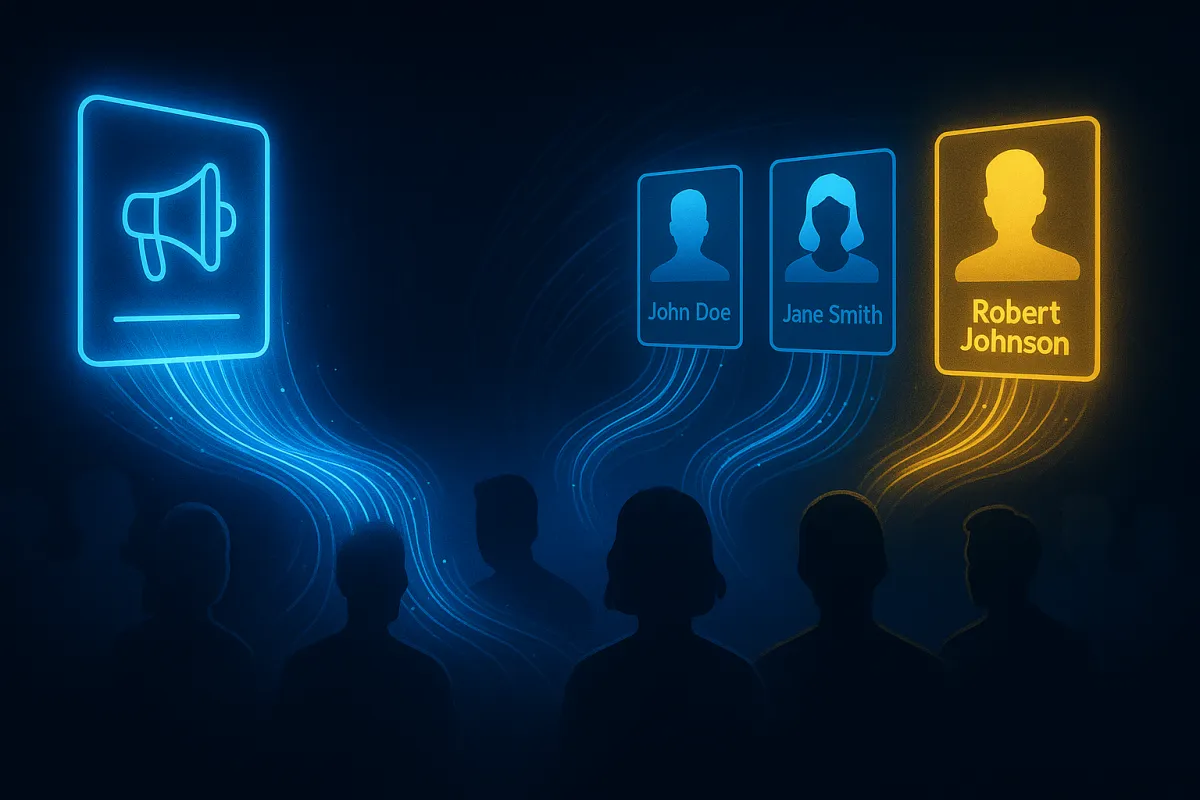
Every non‑converting click on your Facebook ad is a real person with a real name, email, and phone number. They saw your offer, they were interested enough to click, they hit your landing page — and then they left without a trace in your CRM.
Inside Meta, that person becomes a data point in an audience. Inside your business, they become nothing but a line item in your ad spend. That gap is exactly where your return on ad spend is silently dying.
Facebook ads visitor identification is how you close that gap. It links the paid social traffic you are already buying — those Meta clicks — to real, named individuals you can actually contact, even if they never touch your form or chat widget. The Meta pixel is powerful, but it will never tell you who those visitors are. Visitor identification does, turning anonymous paid traffic into a contactable list your sales team can work.
The Simple Facebook Ads Math You Cannot Ignore
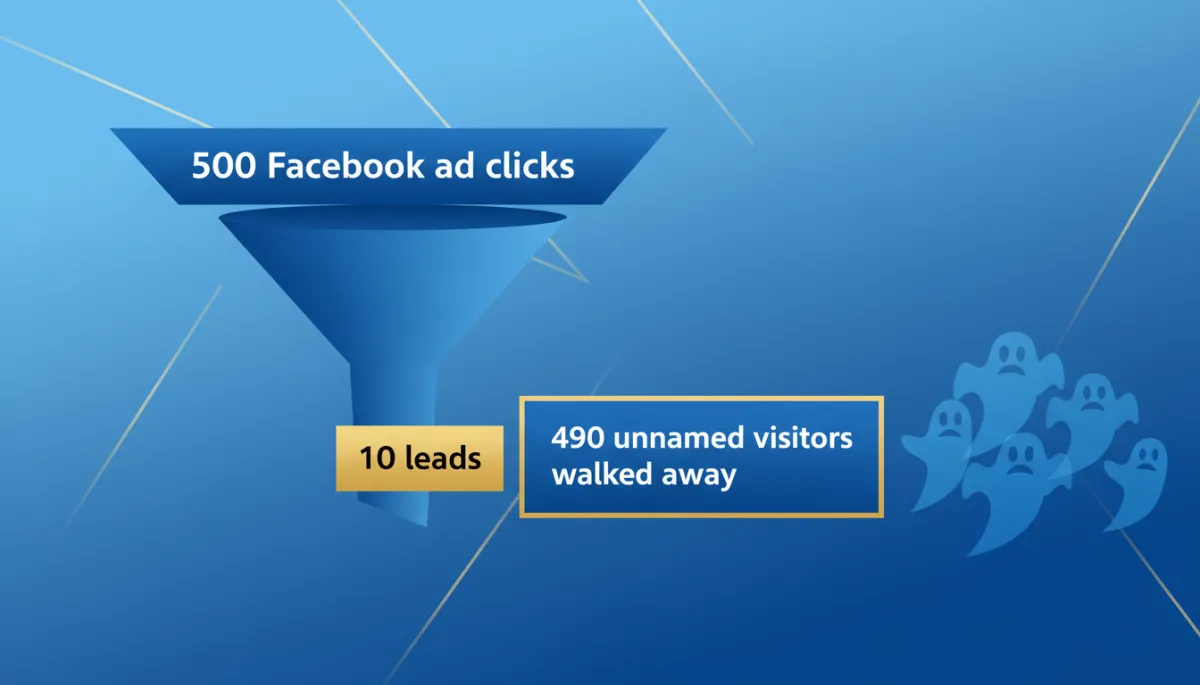
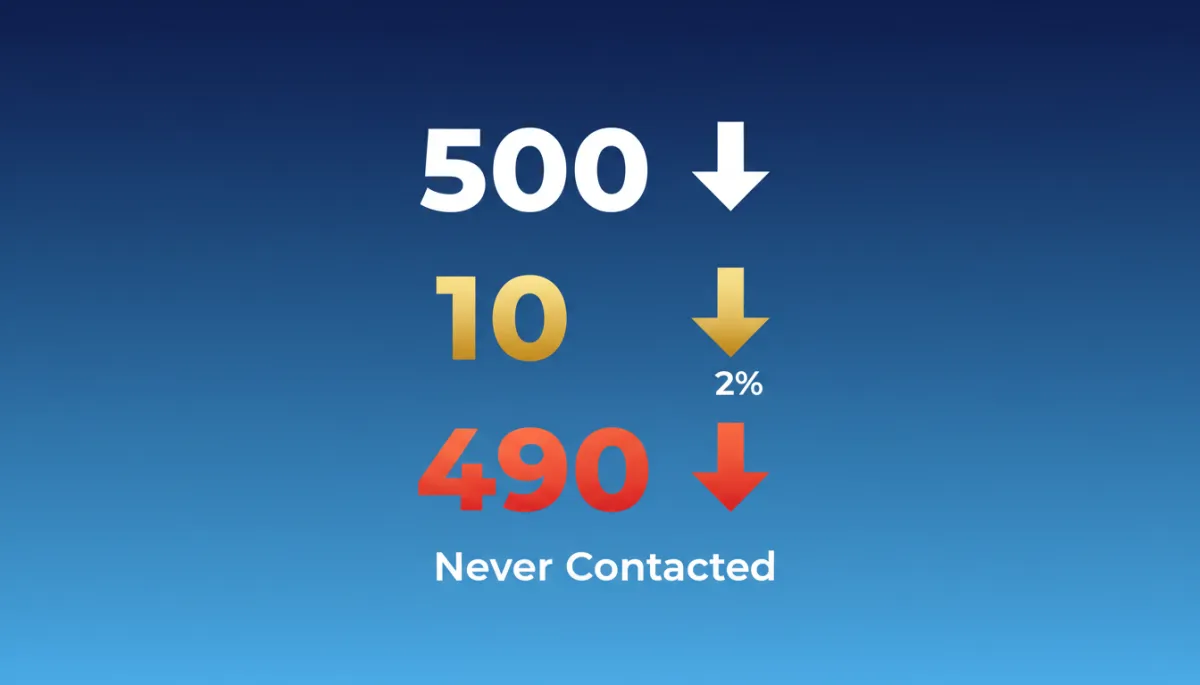
Let’s strip away the dashboards and look at the math in plain language. Say 500 people click on one of your Facebook ads. Your landing page converts at 2%, which is common for many industries.
- 500 ad clicks
- 10 conversions (2% conversion rate)
- 490 people clicked, looked, and left unidentified
Now assume you are paying $2 per click. That is a very normal number in many markets. Five hundred clicks at $2 each is $1,000 in ad spend.
Those 10 conversions cost you $20 each. The other 490 clicks cost you $980 — and you have no names, no emails, no phone numbers, and no way to follow up. You literally paid $980 to let 490 real people walk away.
What the Meta Pixel Does — and What It Will Never Do for You
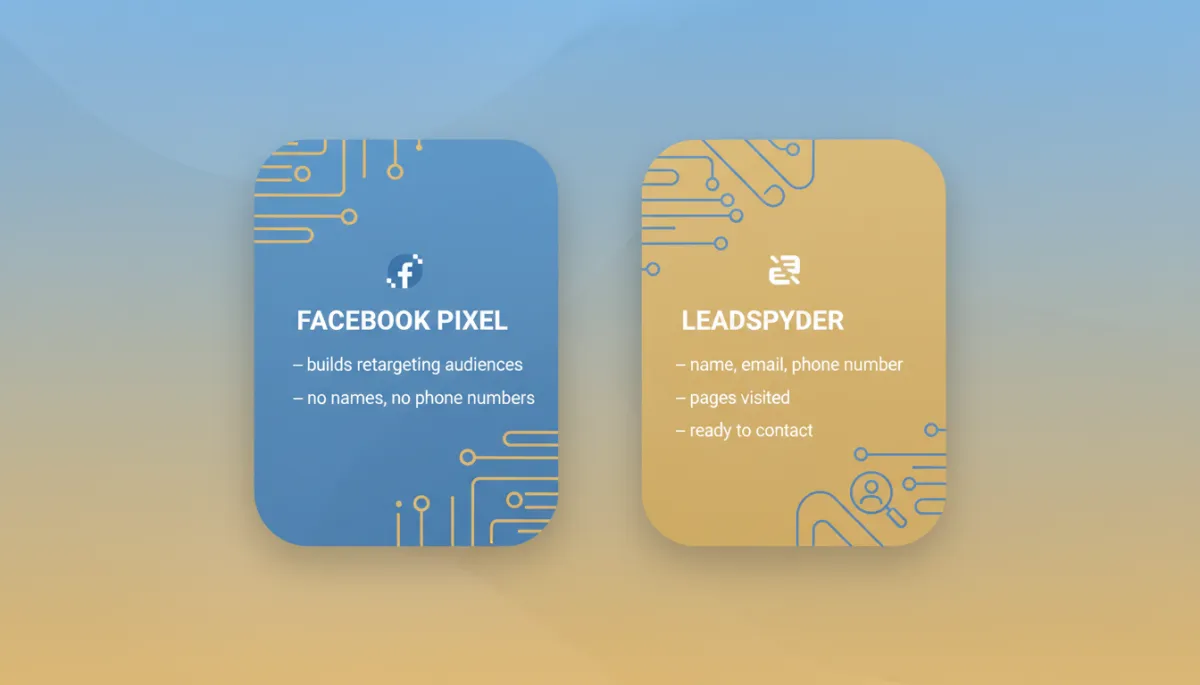
The Meta pixel is built to track behavior, not identities. It sees that a user visited your landing page, scrolled for 45 seconds, clicked nothing, and bounced. It logs that visit and drops that user into an audience segment you can retarget later.
That is the retargeting loop Meta lives on. You pay to reach them once, then you pay again to reach them as a retargeting audience. At no point does Meta hand you their name, email, or phone number. That identity data is Meta’s business model.
The moment Meta gives you individual‑level identity data, they step out of the middle. So they do not. The pixel builds your audiences. It never builds your contact list. That is why staring at your ROAS column and hoping it goes up is playing their game, not yours.
LeadSpyder’s WebNet pixel runs alongside the Meta pixel, not against it. Your Meta pixel still fires and keeps feeding your retargeting audiences. The WebNet pixel fires in parallel and does what the Meta pixel will never do: it matches that session to an identity graph and returns a name, email, and phone number your team can contact directly.
“Meta keeps the audience. You keep the contact list. That is the difference between renting attention and owning your pipeline.”
Why Identified Facebook Visitors Beat Generic Website Traffic
Not all website visitors are equal. Someone who clicked your Facebook ad arrived because you deliberately paid to put a specific offer in front of a specific audience — by age, location, interest, lookalike, or retargeting pool. They raised their hand for your exact message.
Compare that to a random organic visitor who found you via a broad search term. They might have intent, but you do not know what ad they saw, what promise pulled them in, or what problem they were trying to solve. With paid social, you know the campaign, the creative, the audience, and the landing page they landed on.
When LeadSpyder matches that visitor to an identity graph record, your outreach can be specific and timely: “I saw you checking out our emergency restoration service — I wanted to follow up before you go with someone else.” That is a very different conversation than cold‑calling a generic list that never heard of you.

The ROAS Shift When You Stop Letting Clicks Disappear
Imagine a home services company spending $2,000 per month on Facebook ads. They drive 1,100 clicks to their site. That is roughly $1.82 per click — again, very normal in many markets.
- 1,100 clicks
- 22 form fills (2% conversion rate)
- 4 closed jobs at $1,200 average value = $4,800 revenue
On paper, that is a 2.4x return on ad spend. Not terrible, but not exactly the growth engine you were promised. The part that should bother you is the other 1,078 visitors who left without becoming a lead. You paid for them. You just did not keep them.
After installing the WebNet pixel, nothing changes inside Meta. Same campaigns, same budget, same click volume. What changes is what happens to the 1,078 “non‑converters.”
- LeadSpyder identifies a meaningful share of those visitors as real contacts, often hundreds of additional names per month from the same spend.
- Even a modest close rate on those high‑intent contacts turns into more booked jobs and a higher effective ROAS — without increasing your ad budget.
You are not “fixing” Facebook. You are fixing your recovery rate on the 90%+ of paid visitors who do not convert on the first visit. That is how the same $2,000 quietly turns into a far more powerful acquisition engine.
Curious how this stacks up against paid search traffic? You can see the full breakdown in the Google Ads visitor identification guide at https://leadspyder.ai/blog/google-ads-visitor-identification.
How to Add Facebook Ads Visitor Identification Without Breaking Anything
The good news: you do not need to rip out your current setup or fight your agency to make this work. LeadSpyder is designed to sit alongside what you already have.
- Install the WebNet pixel on your site alongside the Meta pixel. You are not replacing anything — just adding a first‑party identification layer.
- Configure SpyderAlert so your sales team gets real‑time notifications when high‑intent visitors hit key pages like pricing, emergency services, or booking.
- Connect SpyderFlow to push identified contacts straight into your CRM, tagged with campaign, ad, and page data so you know exactly what they saw.
The two pixels coexist without conflict. Meta keeps building your retargeting audiences. LeadSpyder starts turning those anonymous sessions into named leads your team can call, email, or text.
Frequently Asked Questions
What is Facebook ads visitor identification?
Facebook ads visitor identification is the process of matching paid social traffic from your Meta campaigns to real, named individuals using a first‑party pixel and a verified identity graph. When someone clicks your Facebook or Instagram ad, lands on your site, and does not convert, a JavaScript pixel captures that visit and matches it to a profile, returning the visitor’s name, email, and phone number so you can follow up directly.
Does the Meta pixel identify individual website visitors?
No. The Meta pixel tracks behavior and builds anonymous audience segments for retargeting. It does not give you the names, emails, or phone numbers of individual visitors. Meta’s business model depends on keeping that identity data and selling access to audiences, not handing you the contact list.
Should I run retargeting and visitor identification at the same time?
Yes. They do different jobs. Retargeting keeps your brand in front of anonymous visitors who did not convert. Visitor identification gives you the actual people behind those visits so you can call, email, or text them. Running both means you are working the same pool of non‑converting traffic from two angles at once.
How does iOS 14.5 affect Facebook ads visitor identification?
iOS 14.5 made Meta’s attribution less accurate, especially for iPhone users, which is why your reported ROAS often feels off. Third‑party visitor identification using a first‑party pixel on your site is less affected because it does not rely on Meta’s tracking. It relies on your own website and your own data.
Your traffic already has names on it. You just cannot see them yet.
[Start Free 7‑Day Hunt] — https://leadspyder.ai/start
No contract. 30‑day money‑back. Live in under 10 minutes.