How to Personalize Your Website for Visitors You Can Actually Identify
Website Personalization, Visitor Intent, Conversion Optimization
How to Personalize Your Website for Visitors You Can Actually Identify
You already paid for the leads. Now it is time to show each one the right next step, not the same generic homepage.
With LeadSpyder, you are not guessing who is on your site. You can see which company is visiting, what they have viewed before, and how ready they are to talk. SpyderScore turns all of that behavior into a simple 0–100 intent score you can actually use on your pages.
In this guide, you will learn how to use SpyderScore to personalize your website in real time so that:
- HOT visitors see a direct “Book a Call” CTA that links straight to your calendar.
- WARM visitors see a case study or proof asset that nudges them closer to a decision.
- COLD traffic sees your standard page with educational content and light CTAs.
None of this is theory. It is a practical, afternoon-level implementation that uses the data LeadSpyder already collects for you.
What “Website Personalization Visitor Intent” Actually Means
Website personalization visitor intent is the practice of using identification data and SpyderScore behavioral signals to change your content, calls to action, and messaging based on who is visiting and how close they are to buying.
LeadSpyder already knows:
- Who the visitor is (company and contact when available).
- Where they came from (ads, search, email, referral).
- What pages they have visited before and how often they return.
- Their current SpyderScore, from 0–100.
When you plug that into your site, you stop having one generic conversation with everyone. Instead, you match the message to the moment for every identified visitor.
Why Personalization Without Identification Is Just Decoration
- Websites that personalize content for identified visitors see 20–30% higher engagement rates compared to generic pages (Evergage Personalization Report).
- Personalized CTAs convert 202% better than default CTAs (HubSpot).
- 74% of customers are frustrated when website content has nothing to do with their interests (Janrain customer experience survey).
- HOT-scored identified visitors who see personalized content convert at 3–4x the rate of anonymous visitors seeing generic content (LeadSpyder internal).
- Average lift in consultation or demo requests when showing intent-matched CTAs: 31% (LeadSpyder internal).
Most “personalization” tools change content based on device type or traffic source. Showing mobile visitors a phone button instead of a form is not personalization. It is responsive design with a marketing label on it.
Real personalization means your site reacts to the actual visitor and their actual intent. That only happens when you can identify them and score their behavior — exactly what SpyderScore does.
The Simple SpyderScore Framework: HOT, WARM, COLD
To keep this simple for your team, you do not need 20 segments. You need three:
- HOT (80–100): High intent, pricing and demo behavior, multiple recent visits.
- WARM (50–79): Engaged but not quite ready, exploring features, case studies, and comparison content.
- COLD (0–49): Early research, first-time visitors, or low-engagement sessions.
From there, your job is to assign the right CTA to each tier. HOT visitors should not be sent to another blog post. COLD visitors should not be slammed with “Book a Demo Now” before they even know what you do.
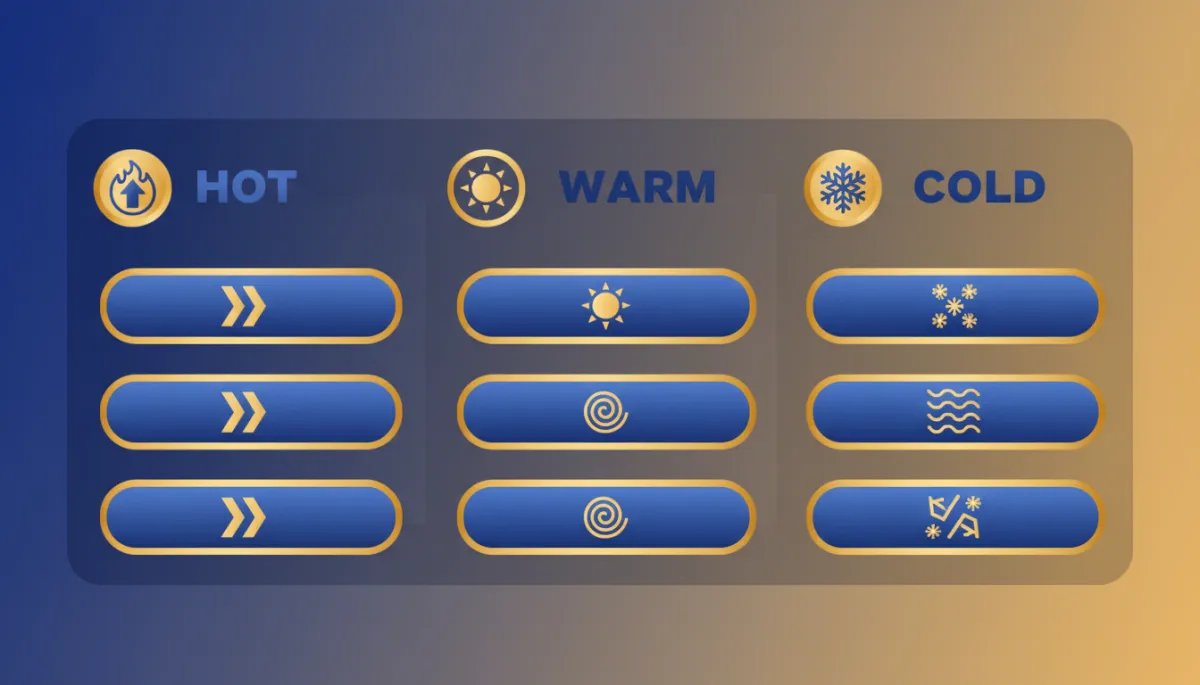
A straightforward rule set might look like this:
- HOT: Primary CTA is “Book a 15-Minute Call” linking to https://leadspyder.ai/start.
- WARM: Primary CTA is “See the Case Study” or “Watch a 3-Minute Overview,” still pointing them toward https://leadspyder.ai/start once they are convinced.
- COLD: Primary CTA is “See How LeadSpyder Works” or “Check Your Match Rate,” keeping the ask light and educational.
Before vs. After: Anonymous vs. Identified Visitor Experience
Let’s look at what this feels like for a visitor landing on your homepage.
- Before LeadSpyder: Every visitor sees the same headline, the same generic “Request a Demo” button, and the same content order. Your best leads look exactly like your worst traffic in your analytics and on your page.
- After LeadSpyder + SpyderScore: That visitor is identified as a HOT account that has already been to your pricing page twice. The hero headline shifts to “Skip the Research — Talk to Someone Now” and the main CTA becomes “Book a 15-Minute Call” linked to https://leadspyder.ai/start.
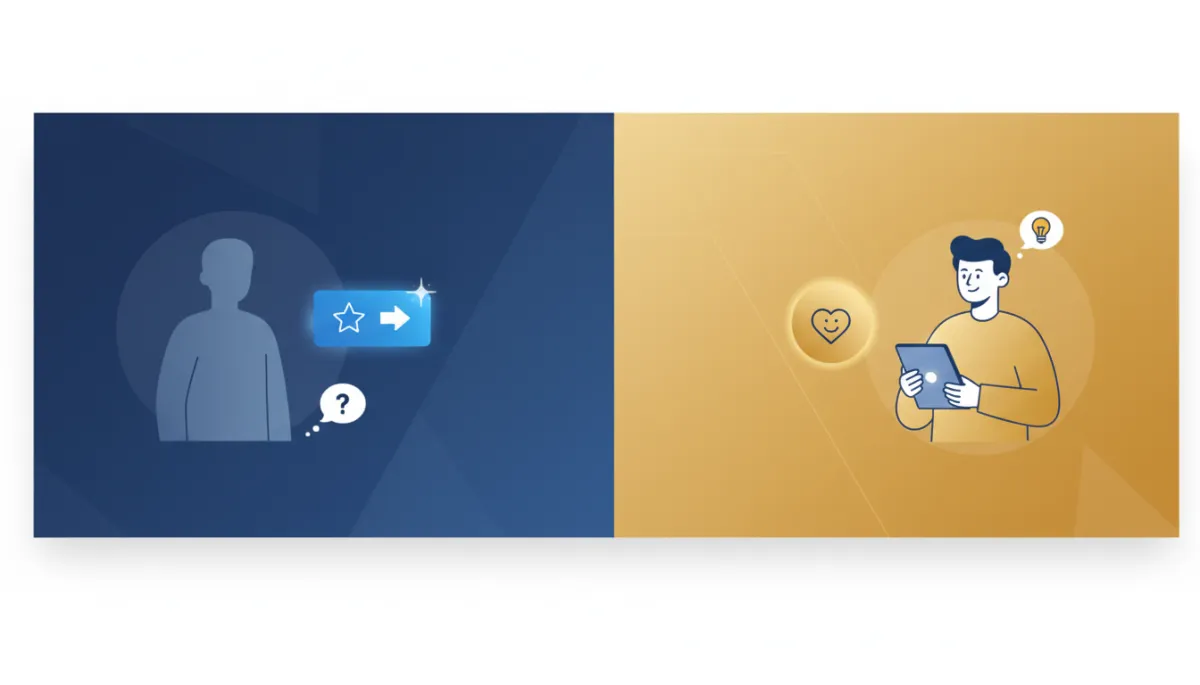
The only difference is that your site now knows who is there and how ready they are. The experience feels natural to the visitor, but it is a completely different conversation for your business.
Three Concrete Personalization Scenarios You Can Deploy This Week
Here are three simple scenarios you can put live with LeadSpyder and SpyderScore in a matter of days.
Scenario 1: Industry-specific hero for WARM visitors
A visitor arrives from a Google Ads campaign targeting roofing contractors. They land on your roofing industry page with a SpyderScore of 72 (WARM). Instead of a generic “Identify Your Website Visitors” headline, they see:
- Headline: “Own Every Roofing Lead From Your Site”
- Subhead: “See how roofing companies turn anonymous traffic into booked jobs.”
- CTA: “See Roofing Results” linking to a roofing case study and then to https://leadspyder.ai/start.
Same visitor, same traffic cost, but a much tighter, more relevant pitch.
Scenario 2: HOT return visitor gets a direct booking CTA
An identified HOT visitor (SpyderScore 88) comes back for the third time this week. They have already read your pricing page twice. They do not need another overview.
- Hero headline: “Skip the Research — Talk to Someone Now”
- CTA: “Book a 15-Minute Call” pointing to https://leadspyder.ai/start.
You are meeting them exactly where they are in the buying journey instead of sending them backward into educational content.
Scenario 3: COLD first-time visitor sees your standard page
A first-time visitor with a low SpyderScore (35, COLD) lands on your homepage from organic search. They are early in their research and have no prior history with you.
- They see your standard hero message explaining what LeadSpyder does.
- The main CTA is something like “See How LeadSpyder Works,” leading to an overview or explainer.
You are not pushing them too hard, too early. You are giving them the information they came for and letting SpyderScore tell you when they are ready for more.
Using Visitor Source Data Before Identification Matches
Identification matches usually happen in seconds, but sometimes visitors convert before the match completes, or they do not match at all. You can still personalize those sessions using first-party source data you have the moment they land:
- UTM parameters from your ads campaigns (industry, offer, keyword).
- Referring domain (industry directories, partner sites, email links).
- Landing page (which vertical or offer page they hit first).
A visitor arriving from a solar industry search who lands on your solar page should see solar-specific copy immediately. A visitor arriving from a law firm directory should see legal messaging. You do not need identity data to make that call.
Think of it this way: source-based personalization is your baseline; identity-based personalization with SpyderScore is your ceiling. Start with source, then layer identity and intent on top as matches return.
For more on the paid traffic side, see Google Ads visitor identification.
How to Implement Dynamic CTAs with SpyderScore
The good news: this is not a heavy engineering project. If your site is built on React or any modern framework, you can wire this up in an afternoon using a simple conditional render tied to SpyderScore.
- Read the visitor’s SpyderScore from the LeadSpyder session data.
- Check which tier they fall into (HOT, WARM, COLD).
- Render the matching CTA text and URL.
In practice, that looks like:
- HOT: “Book a 15-Minute Call” → https://leadspyder.ai/start
- WARM: “See the Case Study” → proof page, then a secondary CTA to https://leadspyder.ai/start
- COLD: “See How LeadSpyder Works” → overview or explainer, with a soft path to https://leadspyder.ai/start once they engage.
For a deeper dive into how SpyderScore itself works, check out what is SpyderScore.
Frequently Asked Questions
What is website personalization visitor intent?
Website personalization visitor intent is the practice of showing different content, calls to action, or messaging to website visitors based on their identity data, behavioral history, and intent score. Using visitor identification and SpyderScore, you can send HOT visitors straight to a booking link, show WARM visitors case studies, and keep COLD visitors on your standard educational pages until they are ready for more.
How does SpyderScore enable website personalization?
SpyderScore assigns a 0–100 intent ranking to every identified visitor. That score lets your site trigger different content states: HOT visitors (80+) see direct sales CTAs, WARM visitors (50–79) see mid-funnel offers like case studies, and COLD visitors (0–49) see educational content. The implementation is a simple JavaScript conditional render that checks the visitor’s score and displays the right CTA and message.
Can I personalize for visitors before the identification match completes?
Yes. Use the first-party source data available on landing — UTM parameters, referring domain, and landing page — to personalize by traffic source and industry vertical immediately. When the identity graph match returns (usually within seconds), you can layer individual-level personalization and SpyderScore-based CTAs on top. Source-based personalization is the baseline; identity-based is the ceiling.
What conversion lift can I expect from visitor intent personalization?
Personalized CTAs convert 202% better than generic CTAs (HubSpot). HOT-scored identified visitors who see personalized content convert at 3–4x the rate of anonymous visitors on generic pages (LeadSpyder internal). Intent-matched CTA copy produces an average 31% lift in consultation or demo requests compared to generic alternatives. The more you lean into HOT/WARM/COLD rules, the more upside you unlock from traffic you are already paying for.
Your traffic already has names on it. You just cannot see them yet.
Turn those anonymous visits into identified, scored, and personalized conversations. [Start Your Free 7-Day Hunt]
No contract. 30-day money-back. Live in under 10 minutes.