What Is an Identity Graph?
Marketing, Identity Resolution
What Is an Identity Graph?
You already paid for the leads. An identity graph is how you finally see who they are — in plain English, without needing a computer science degree.

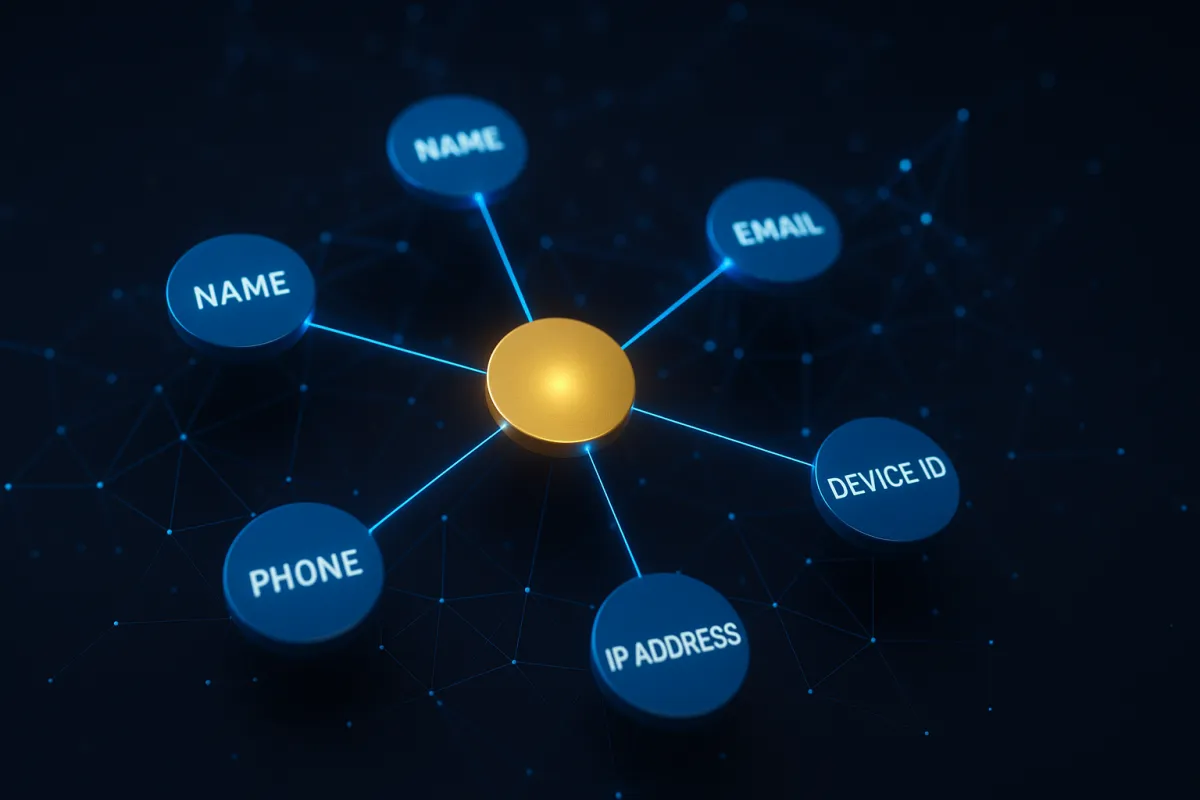
An identity graph is a massive, always-updating database that links real-world contact details — like names, emails, phone numbers, and addresses — to the “anonymous” browser signals your visitors leave behind. Those signals include things like IP address, device fingerprint, and basic behavior on your site.
Think of it as a master contact record that has been quietly built over years from opt-in and publicly available sources. When someone hits your website and does not fill out a form, the identity graph is what makes it possible to match that anonymous session to a real person with a name, an email, and a phone number you can actually call.
That is the short version. What follows is the full story — how these graphs get built, why they work so well, and why IP-only tools leave money on the table. If you are a business owner, marketer, or sales leader, this is the tech behind “Who just hit my site?” explained like a smart friend — not a data scientist.
Identity Graph Statistics: The Scale Behind the Match
Identity graphs work because they operate at serious scale. The bigger and cleaner the graph, the more of your “anonymous” traffic turns into real, reachable people — without you spending a dollar more on ads.
- LeadSpyder's identity graph covers 270 million verified U.S. consumer profiles (LeadSpyder internal).
- Identity graph match rates typically run 20–40% of total site traffic when the pixel is installed correctly (LeadSpyder internal).
- That means for every 1,000 visitors, you can often turn 200 to 400 into real contacts with names, emails, and phone numbers.
How an Identity Graph Gets Built (Without Anyone Opting In Today)
An identity graph is not built from one source. It is stitched together from thousands of places where people have already shared their information over the years. Think loyalty programs, warranty registrations, newsletter signups, public records, professional directories, and other opt-in data sources.
Each source has a partial view. A loyalty program might know your name and email. A property record knows your address and phone. A professional directory knows your company and job title. The graph’s job is to find the common thread — usually an email address or phone number — and link all those pieces into one unified profile for a real person.
Once that profile exists, it gets a persistent identifier, sometimes called a resolved identity. When new data shows up — a new email, new device, or updated address — the graph adds it to the existing profile instead of creating a duplicate. The result is one clean record for one real person, even if they have used multiple emails and devices over the last decade.
Keeping that accuracy means constant cleanup. LeadSpyder processes millions of record updates per day to reflect moves, new phone numbers, email deactivations, and life events like name changes. If the graph gets stale, your sales team wastes time chasing bad numbers and dead inboxes.
The Match Method: How a Website Session Becomes a Named Contact
Here is what actually happens when someone lands on your site and your WebNet pixel fires. There is no form fill, no login, and no creepy pop-up — just a normal visit like any other.
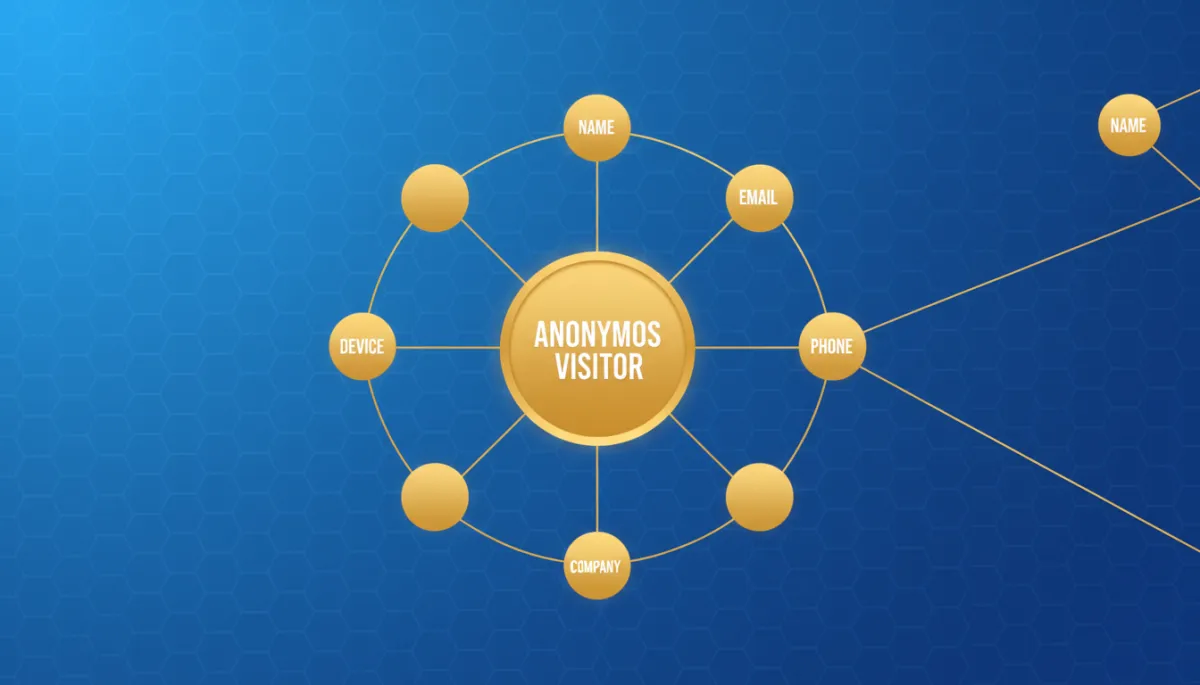
The pixel collects a bundle of first-party signals: IP address, device fingerprint, browser type, operating system, and basic behavior like pages viewed and time on page. That signal bundle is sent to LeadSpyder’s matching engine, which compares it against the identity graph in real time.
An IP address by itself is not enough. It might represent a whole apartment building, a mobile carrier gateway, or an entire company office. But when you combine IP with device fingerprint, browser setup, and behavior patterns, the matching engine can narrow it down to a small group of likely profiles and score how confident that match is.
High-confidence matches return a full record: name, email, phone, and what that visitor did on your site. Low-confidence signals are filtered out. A wrong name is worse than no name, because it sends your team on a dead-end call. LeadSpyder only surfaces matches once the system is confident enough to stand behind them.
Why IP-Only Tools Fall Short (and Graph-Based Tools Don’t)
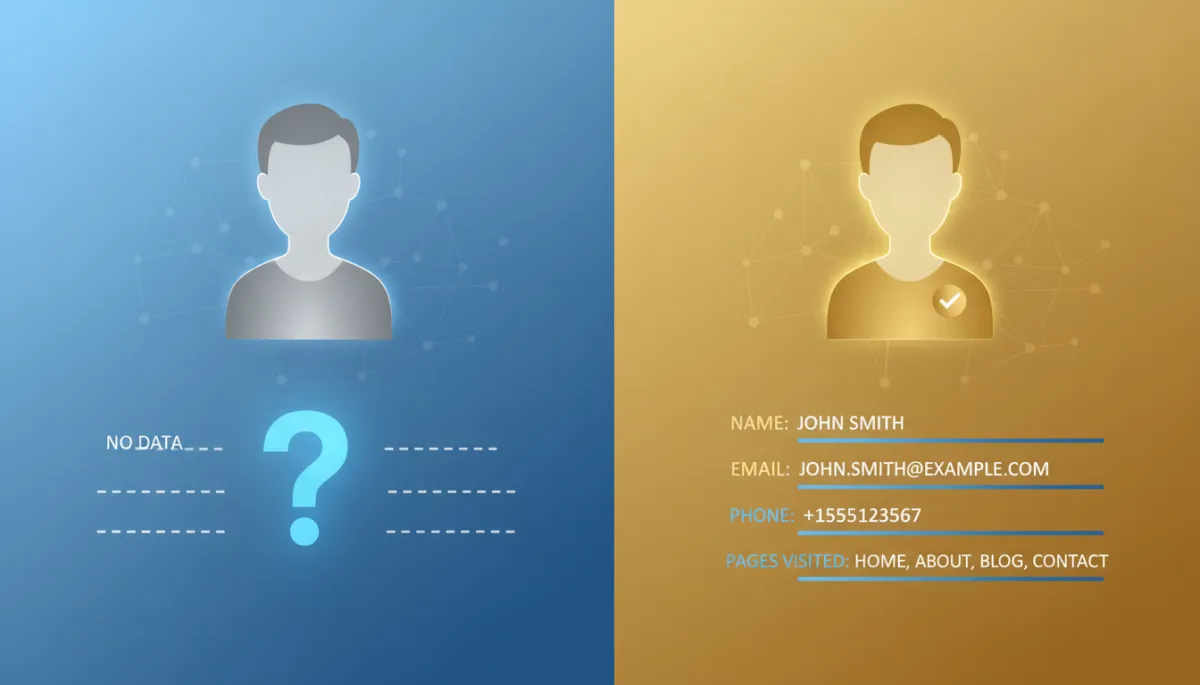
A lot of visitor identification tools still rely almost entirely on IP address. They might tell you that “someone from XYZ Company” or “someone on Comcast in Chicago” visited your site. That is interesting, but it is not actionable. You cannot call a building or email an ISP.
IP-only tools miss the mark for three simple reasons:
- Most homes share one IP across the whole household, so you only get a rough location — not a person.
- Mobile visitors often use carrier IPs that map back to data centers, not to real addresses.
- Corporate networks route hundreds or thousands of employees through the same IP, so all you see is the company, not the individual.
Graph-based identification fixes this by triangulating across multiple signals. Device fingerprint separates people behind shared IPs. Behavior patterns help distinguish one real session from background noise. The identity graph’s persistent identifiers link mobile and desktop visits from the same person even when IPs change between sessions.
“IP alone tells you where the traffic came from. The identity graph tells you who it was and how to reach them.”
First-Party Signals vs. Third-Party Cookies: Why This Matters Now
Third-party cookies — the tech that powered most retargeting for years — are basically gone. Safari and Firefox have blocked them for a long time, and Chrome is phasing them out. If your strategy depends on cookie-based audiences, you are already seeing match rates drop.
Identity graphs do not rely on third-party cookies. LeadSpyder uses first-party signals from your own pixel and matches them to the graph using persistent, non-cookie identifiers. That means your ability to identify visitors actually becomes more valuable as cookies disappear, not less.
How Identity Graphs Stay Compliant
In the United States, identity graphs are built primarily from opt-in and publicly available data. That includes loyalty programs, publisher subscriptions, warranty cards, and public records like property data and business registrations. People provided this information voluntarily, often in exchange for value.
LeadSpyder’s identity graph is maintained to align with U.S. privacy frameworks and industry guidelines. Profiles include suppression flags for people who have opted out of commercial data use. When a match hits a suppressed profile, LeadSpyder does not show that record, so your team is not accidentally calling people who have clearly said “no thanks.”
Real-World Example: Turning Paid Clicks into Actual Jobs
Let us put this into simple math. Imagine a home services company running Google Ads. Each month, they get 3,000 paid visitors and spend $4,500 on ads. About 2% of those visitors fill out a form — that is 60 leads, which might turn into 8 closed jobs at $1,800 each, or $14,400 in revenue.
With WebNet installed, the identity graph can typically identify 20–40% of total traffic. On 3,000 visitors, that is 600 to 1,200 additional named contacts from the same ad spend. If the sales team closes even 10% of those identified “hot” visitors, that is 60 to 120 extra jobs a month — all from clicks they already paid for.
That is the power of the identity graph. It does not change your ads. It changes what you can do with the traffic you already have.
Frequently Asked Questions
What is an identity graph?
An identity graph is a large database that connects real-world identifiers — like name, email, phone number, and address — to online signals such as IP address and device fingerprint. When a visitor lands on your site, their session signals are matched against the graph so you get a real person, not just an anonymous “visitor count.”
How many profiles does LeadSpyder’s identity graph cover?
LeadSpyder’s identity graph covers 270 million verified U.S. consumer profiles. Each profile links name, email, phone, and device identifiers into a single, persistent record that is updated as new information comes in.
Why do IP-only visitor identification tools fail?
IP-only tools usually resolve to a location or company, not a specific person. Shared home networks, mobile carrier IPs, and corporate gateways all make IP alone too vague. Graph-based identification uses multiple signals at once, which allows it to return individual-level matches instead of rough guesses.
Does the identity graph rely on third-party cookies?
No. LeadSpyder’s matching engine uses first-party data from your own pixel and matches it to the graph using persistent, non-cookie identifiers. It continues to work even as third-party cookies disappear from major browsers.
How is identity graph data kept compliant with privacy laws?
The data comes from opt-in sources and public records that are permitted under U.S. data broker guidelines. LeadSpyder also maintains suppression records for people who have opted out of commercial data use and automatically excludes those profiles from results.
Reading More About How This Works in Practice
For a step-by-step walkthrough of how identification works from a visitor’s point of view, read https://leadspyder.ai/blog/how-to-identify-anonymous-website-visitors. For a full platform overview including SpyderScore, SpyderAlert, and SpyderFlow, visit https://leadspyder.ai/blog/website-visitor-identification-software.
Your traffic already has names on it. You just cannot see them yet.
[Start Free 7-Day Hunt] → https://leadspyder.ai/start
No contract. 30-day money-back. Live in under 10 minutes.